
Last updated November 14, 2026
 Wrought iron
 Wood & steel frame
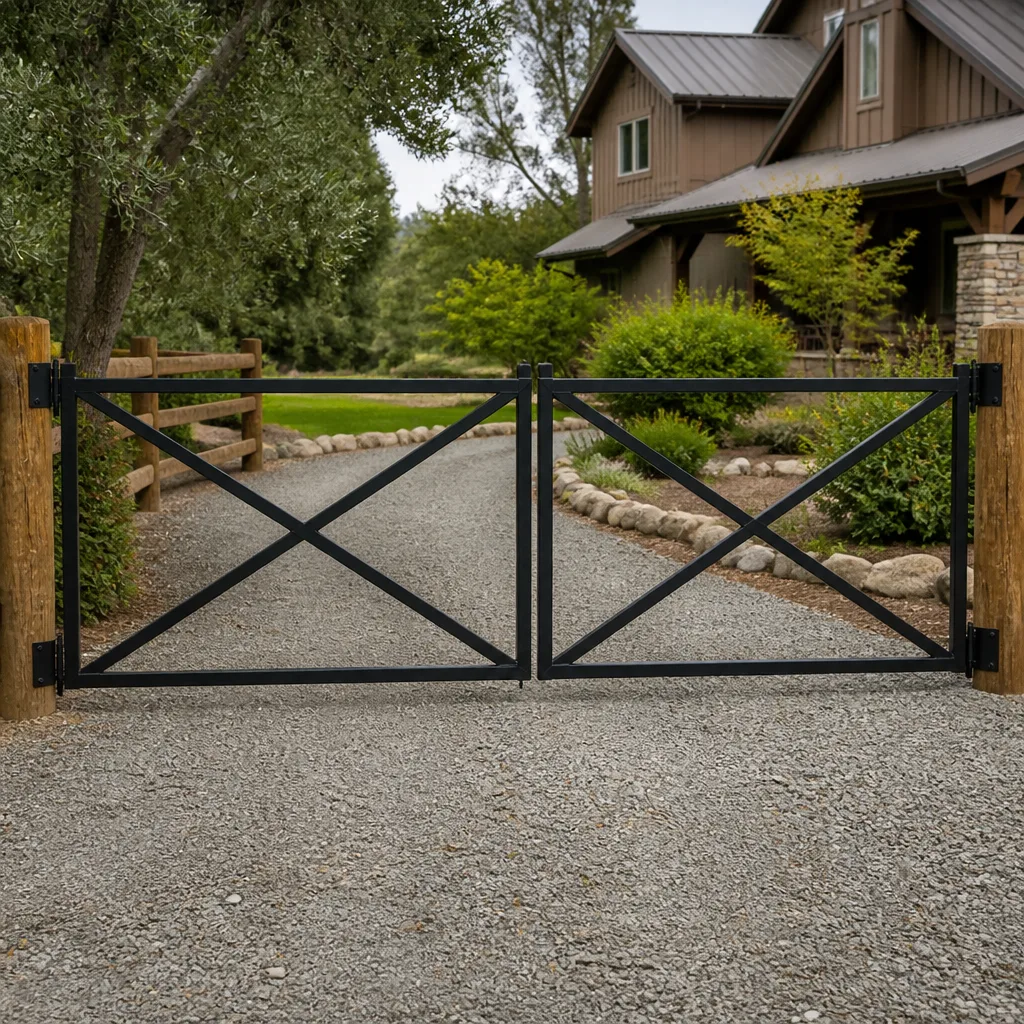 Farm & ranch
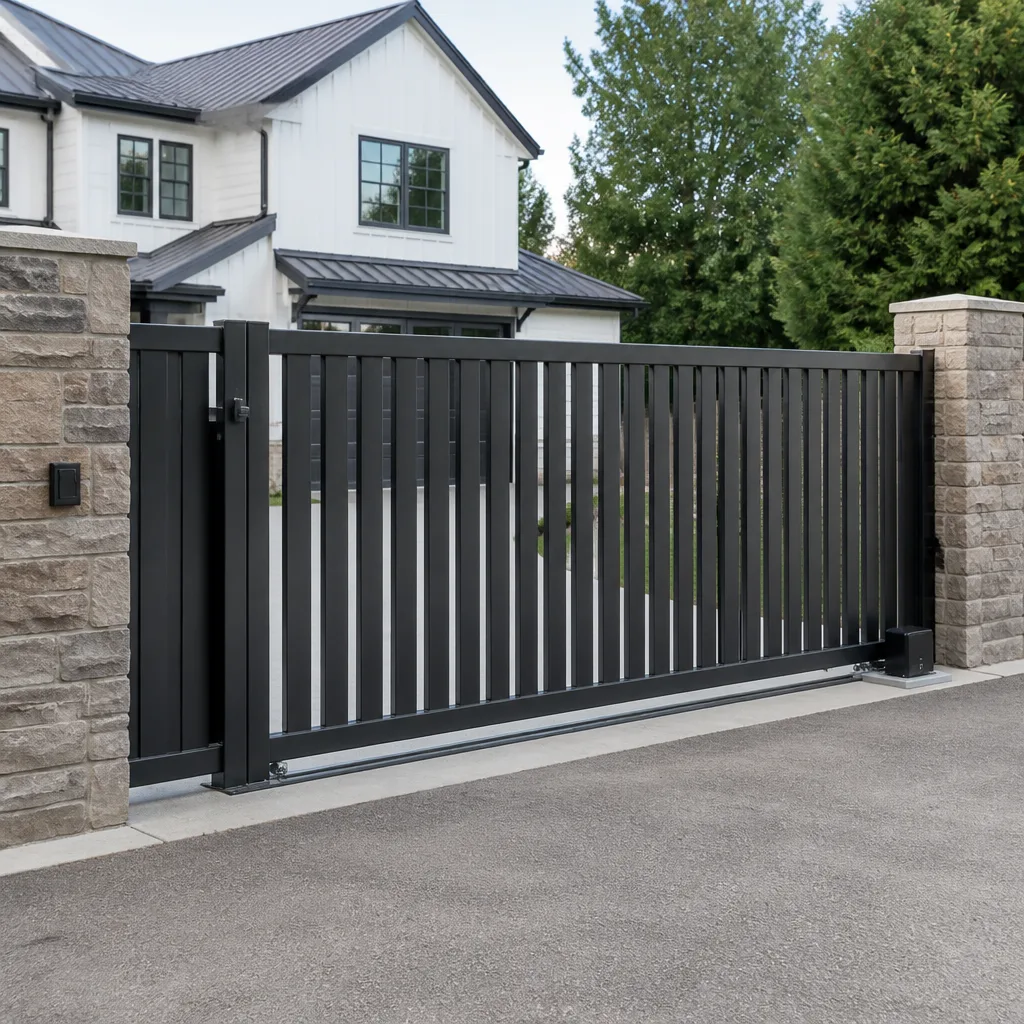 Sliding driveway gates
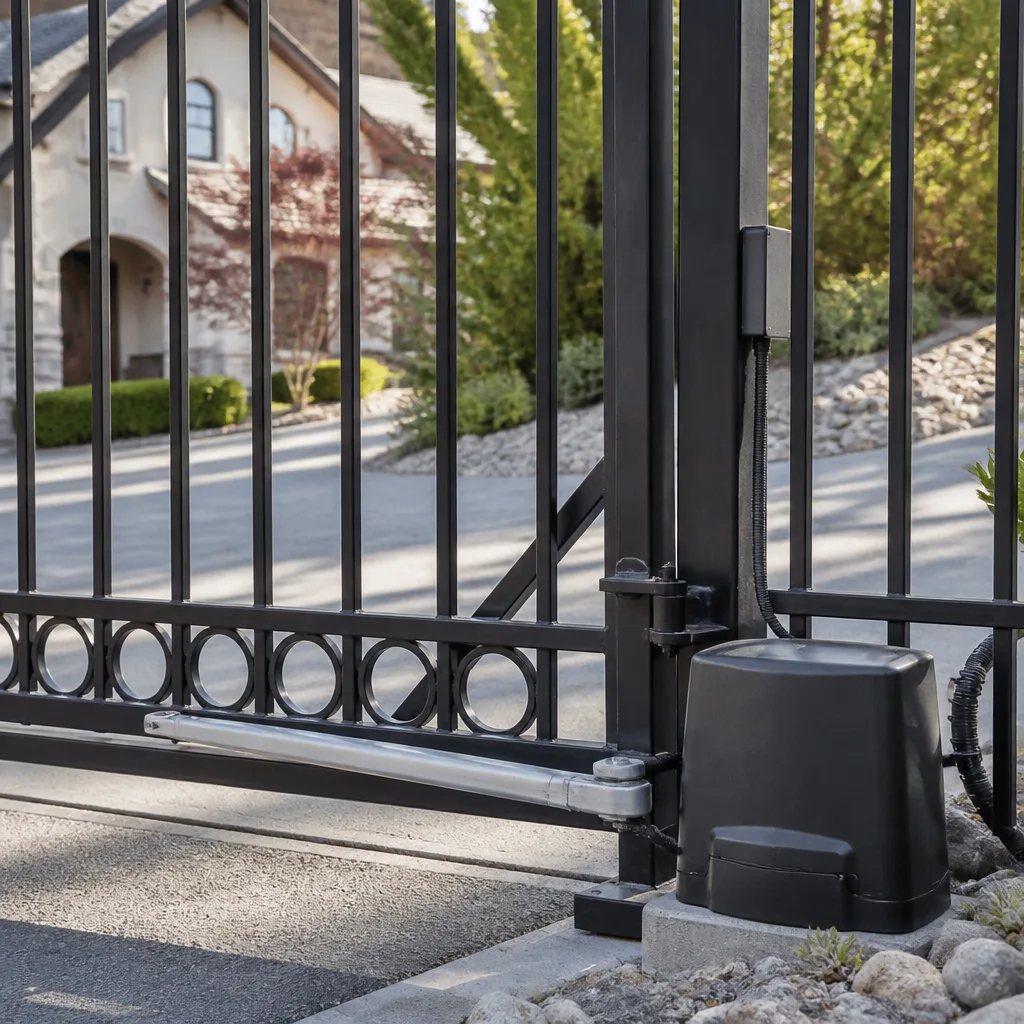 LiftMaster operators
Free on-site gate assessment - hinges, posts, and your LiftMaster or Nice gate operator checked before anything is quoted
The assessment is free and the quote is the invoice.
Get your free estimateGate Repair Troubleshooting in Stockton: Common Problems and How to Fix Them
The most expensive gate repair is usually the wrong repair. In our experience, a large share of residential gate failures get “fixed” with a new motor or control board when the actual culprit is a badly seated limit switch, a tired remote battery, or a ground loop that drifted out of tune in the heat. Those parts cost more than the real problem and leave the true fault in place. This guide teaches you to read gate symptoms the way a specialist does: sort the failure into one of four root-cause categories (power, mechanical, signal, or software), then act. What follows is the troubleshooting framework we use when we size up a gate in Stockton, plus the checks worth doing before you call anyone.
Quick Answer
Gate problems almost always trace back to one of four root causes: loss of power, a mechanical fault (rollers, hinges, track, chain), a signal problem (remote, keypad, loop detector, photo eye), or a software or logic fault in the control board. Work through those categories in order before replacing any part. Most no-movement gates turn out to be power or safety-device issues, and most “starts then reverses” gates are sensor or limit-switch faults, not dead motors.
Styles & brands we work with
- Wrought iron
- Wood & steel frame
- Farm & ranch
- Sliding driveway gates
- LiftMaster operators
Table of Contents
- The Four Root-Cause Categories: Power, Mechanical, Signal, Software
- Power Failure or Control Board Fault? How to Tell Them Apart
- Why the Gate Starts Then Reverses: Mechanical vs. Electronic
- Loop Detector Drift in Stockton’s Summer Heat
- How to Perform a Manual Release Safely to Restore Access
- Three Safety Checks to Run Before You Call Anyone
- Brand Matters: What We See Across Mighty Mule, LiftMaster, FAAC, and BFT Systems
- Common Mistakes to Avoid
- When to Call a Professional
- Frequently Asked Questions
Key Takeaways
- Sort the fault before you buy a part. Power, mechanical, signal, and software failures produce different symptoms.
- A gate that moves then reverses is rarely a dead motor; it’s usually a safety device or a limit switch.
- Diagnose first, fix right. Replacing a control board to solve a $12 limit switch problem is a common and unnecessary expense.
- Heat drives loop detector drift in Stockton, which shows up as random reversals or gates that open on their own.
- Do the three harmless checks first so you’re not paying a free-estimate visit for a tripped breaker.
The Four Root-Cause Categories: Power, Mechanical, Signal, Software
Every gate failure lands in one of four buckets, and knowing which bucket you’re in cuts diagnostic time roughly in half. When we walk up to a gate in Stockton, the first question isn’t “what part is broken” but “which system is failing.” A gate is a mechanical assembly driven by an electrical operator and told what to do by low-voltage control logic. Each layer fails in its own way, with its own symptoms. Sorting the symptom into the right layer is the whole game.
Here’s how the four categories typically present:
- Power. The operator is dead, the display is blank, the gate won’t budge, and no lights come on. Could be a tripped breaker, a blown fuse, a bad transformer, or a loose wire in the control box.
- Mechanical. The motor runs and you can hear it, but the gate drags, binds, jumps the track, or moves unevenly. Rollers wear, hinges sag, chains loosen, and slide-gate tracks fill with grit.
- Signal. The gate won’t respond to a remote or keypad, or it stops mid-travel when the photo eye is blocked. This is a control signal not reaching the operator, not a motor problem.
- Software/Control logic. The board behaves inconsistently: limit positions drift, the gate reverses at random, or a programmed code stops working. This is the operator’s “brain” misreading its own sensors.
The reason this matters in Stockton is the same reason any densely built city produces odd symptoms: shared walls, overhead wires, tree roots under driveways, and older gates that have been “adjusted” by more than one handy neighbor. Guessing across all four categories at once wastes money. Reading the symptom first saves it. Once you’ve placed the fault in a category, you can decide whether to keep troubleshooting or hand it to a specialist.
Power Failure or Control Board Fault? How to Tell Them Apart
This is the single most useful distinction in gate repair, and you can usually make it with nothing more than a multimeter. Both failures look like “the gate won’t move,” but they demand completely different repairs. A power fault is upstream of the operator: the electricity never arrives. A control board fault is downstream: the power arrives fine but the board won’t command the motor. Test the power path first, because it’s cheaper and easier to rule out.
Follow this sequence:
- Check breaker and disconnect. Confirm the breaker is on and any dedicated disconnect switch is in the run position. A surprising number of “dead gate” calls are just a tripped breaker on the circuit.
- Look at the indicator lights. Most operators, including units from LiftMaster and FAAC, have power or status LEDs on the control board. A dark board with live incoming power points to a transformer or board fault. A lit board that still won’t move points downstream to the motor or safety circuit.
- Measure incoming voltage with a multimeter. Set it to AC volts and confirm the board is receiving proper line voltage at its terminals. If voltage is absent, the fault is upstream (breaker, wiring, disconnect). If voltage is present and the board is blank, suspect the board’s power supply.
- Check the fuse and low-voltage wiring. Many boards have an accessible fuse. A blown fuse with live voltage means something downstream drew too much current, which itself is a clue worth recording.
One caution: the line-voltage side of a gate operator is genuinely dangerous, and mixing up hot and neutral on a live board can damage it further. Use the multimeter to confirm presence and absence of voltage, then stop. Diagnosing an actual board fault is professional work. If you’ve confirmed power is arriving but the gate stays dead, that’s the point to call in a technician rather than start swapping boards. If you’d rather skip straight to an expert, our electric gate repair service covers exactly this kind of board-level diagnosis.
Why the Gate Starts Then Reverses: Mechanical vs. Electronic
A gate that begins to move and then reverses on its own is the most misread symptom in gate repair, because the same behavior comes from two completely different problems. Mechanical causes are physical obstructions or resistance the gate meets on its path. Electronic causes are sensors or limit settings telling the operator to back off. The diagnostic test is simple: watch and listen during the reversal. Does the gate meet resistance before it turns around, or reverse freely?
Mechanical indicators:
- The gate visibly slows or labors just before reversing.
- You can hear the motor straining, or the gate drags at a particular point in travel.
- Rollers, hinge pins, or a slide-gate track show wear, rust, or debris buildup.
- The reversal happens at the same physical spot every time.
Electronic indicators:
- The gate reverses freely, with no visible strain or slowdown.
- The reversal happens randomly, not at a fixed location.
- A photo eye or safety edge is dirty, misaligned, or blocked (even by a leaf or debris).
- Limit positions seem to drift over time, or the gate reverses short of fully open or closed.
Here’s why this distinction is so costly to get wrong. If the cause is mechanical – say a worn roller causing drag that trips the operator’s obstruction sensor – a new board won’t help and won’t fix the drag. If the cause is electronic, lubricating the track forever won’t help either. In our experience, the “starts then reverses” call is where generalists start replacing parts. Diagnose first, fix right: identify whether resistance or signal is triggering the reversal, and the repair becomes obvious. Getting a proper what’s-wrong review is a core part of gate repair, so it’s worth asking any company how they plan to isolate the cause before they quote a part.
Loop Detector Drift in Stockton’s Summer Heat
If your gate opens or reverses on its own in the middle of a Stockton summer, suspect the loop detector before anything else. Loop detectors are buried wire coils in the driveway that sense a vehicle above them, and their sensitivity can drift as ground temperature climbs. In our experience, the hot months are when “ghost openings” and random reversals spike. The gate reports a vehicle that isn’t there because the loop is reading the ground itself as a trigger. It’s not a broken gate. It’s a detector that needs recalibrating.
You can often spot loop detector drift without a technician:
- Timing. The problem appears on hot afternoons and quiets down on cooler mornings. Heat-related drift follows the temperature.
- Location. The gate misbehaves only when it should be resting closed, most often when nothing is near it.
- No physical cause. No cars, pedestrians, or debris in the path, yet the gate triggers.
- Recalibration fixes it temporarily. If sensitivity adjustment buys a few days of quiet, the loop is the culprit.
Fixing loop detector drift means adjusting the detector’s sensitivity or replacing a failing loop, and that’s a job that requires knowing which detector your operator uses. Some systems, including certain DoorKing and Elite setups, have detector units with their own sensitivity pots you can tune, but many are set at installation. In our experience, a proper recalibration is the answer, not a new motor. Reading the pattern – hot afternoons, no physical trigger – gets you to the right repair before you buy a part. If your gate is acting up in the heat, that’s a signal fault, not a mechanical one.
How to Perform a Manual Release Safely to Restore Access
When an automated gate won’t open and you need access now, the manual release restores it without waiting on a repair. Every automated gate operator has a release mechanism, and using it correctly is safe if you respect one rule: the gate is heavy, and gravity doesn’t negotiate. A gate panel can weigh more than a person and swing or slide with real force. Release the operator only when the gate is at rest, and control its movement rather than letting it drop or roll. If you’re unsure, wait for a technician.
Steps to safely restore access on a typical residential automated gate:
- Stop the power. Turn off the operator’s power at the disconnect or breaker so the motor doesn’t try to run against you.
- Locate the manual release. Swing gates typically have a release lever or key on the operator arm; slide gates have a clutch or release lever on the operator. Check your operator’s manual for its specific release.
- Engage the release. Follow the operator’s release procedure – usually a lever pull, key turn, or clutch disengagement – until you feel the drive disengage.
- Move the gate by hand, carefully. Open it slowly and hold the panel so it doesn’t swing fast or slide uncontrolled. Guide it, don’t let it go.
- Secure access. Once the gate is where you need it, make it safe and leave the operator released until a technician can restore automation.
Swing and slide gates release differently, and the heavier the panel, the more care the manual move needs. Take your time. Never crawl under or wedge yourself beside a gate you’re manually moving, and never release a gate that’s on a slope without being ready to control the roll. Once access is restored, you can plan the repair calmly. If your gate uses a brand like LiftMaster or FAAC, the release procedure is in the manual, and a technician can walk you through it if you’re not sure. For a system that’s been released and re-engaged a few times without a fix, the Gate Repair Stockton team can diagnose it properly.
Three Safety Checks to Run Before You Call Anyone
Three checks are worth running before you call a repair company, because each rules out the cheapest fix of all and spares you a needless visit. They’re all safe, require no tools beyond what’s at hand, and take a few minutes. Doing them first means you’re not paying anyone to flip a breaker or change a battery.
- Check the breaker. Find the gate’s dedicated circuit at your panel and confirm it hasn’t tripped. If it has, reset it once and see if the gate powers up. If the breaker trips again immediately, stop and call a professional; that points to a genuine electrical fault.
- Change the remote battery. Remotes fail more often than operators. Replace the battery in your transmitter and test from close range. If a fresh battery makes the gate respond, the gate was never the problem.
- Test the safety devices. Clear debris, leaves, and dirt from photo eyes and the loop area, and confirm the safety edge isn’t stuck. A blocked photo eye will hold a gate closed or reverse it. If clearing the sensors restores movement, you’ve found the fault.
These three checks cover a striking share of the “emergency” calls we see. They also tell you something useful: if none of them changes anything, the fault is deeper and a technician is genuinely warranted. Do them in order, and you’ll know whether you’re dealing with a trivial reset or a real repair before anyone arrives. If you’ve done all three and the gate still fails, that’s a solid starting point for a proper diagnosis.
Brand Matters: What We See Across Mighty Mule, LiftMaster, FAAC, and BFT Systems
Different gate brands fail in slightly different ways, and knowing the system on your property shortens the troubleshooting path. We’re fluent in nine major gate brands, including Mighty Mule, LiftMaster, FAAC, and BFT, which covers most of what’s installed on residential and commercial properties around Stockton. That fluency matters because a Mighty Mule DIY-grade operator and a BFT commercial unit have different boards, different release mechanisms, and different sensitivity settings. The troubleshooting principle is the same (power, mechanical, signal, software), but the details aren’t.
What that looks like in practice:
- Mighty Mule residential operators are common on driveways and often come as homeowner installs, which means wiring and limit settings sometimes need a careful second look.
- LiftMaster systems have well-documented control boards and indicator LEDs, which makes the power-versus-board test easier to run.
- FAAC operators, popular on heavier swing gates, have their own release and limit-setting procedures to respect during manual operation.
- BFT commercial units often tie into access control, so signal faults and software faults can overlap and need careful isolation.
The point isn’t that one brand is better. It’s that brand fluency is a diagnostic shortcut, and a gate specialist carries that knowledge for each system. Manual or motorized, we can trace a fault to the right layer because we work on these systems every day. When a technician already knows how your operator behaves, troubleshooting gets quicker and the repair gets more accurate.
Common Mistakes to Avoid
- Replacing the control board to fix a wiring or limit-switch fault. A new board won’t cure a mechanical drag or a drifted limit position. Confirm the fault category first or you’re paying for the wrong part.
- Assuming a random reversal means a dead motor. Random reversals usually point to loop detector drift or a dirty photo eye, especially on hot Stockton afternoons.
- Hiring a general handyman for a board-level problem. Gate control logic is specific work, and generalists tend to swap parts instead of diagnosing. Look for a gate specialist.
- Ignoring a tripped breaker that keeps tripping. A breaker that won’t stay reset means a genuine electrical fault, and continuing to reset it can damage the operator further.
- Manually releasing a gate on a slope without controlling it. A heavy panel on an incline can roll or swing fast once released. Ease it, don’t let it go.
- Adjusting limit settings to “fix” a mechanical drag. If a roller or track is the issue, resetting limits just moves the failure around. Fix the drag.
- Paying for a visit before checking the basics. A tripped breaker, dead remote battery, or leaf-blocked photo eye are free to rule out. Do the three checks first.
When to Call a Professional
Call a professional when the fault goes beyond the three basic checks. If you’ve confirmed the breaker, remote battery, and safety devices, and the gate still fails, the problem is in the control board, the wiring, or a mechanical component that needs real diagnosis. Also call if the breaker keeps tripping, if the gate moves erratically or reverses without an obvious cause, or if the manual release suggests a heavy panel is getting difficult to control. Wiring and power on a gate operator are genuinely hazardous, so don’t open the control box to troubleshoot live voltage on your own. Gate Repair Stockton offers free estimates in Stockton; call (833) 946-1127 to schedule a proper diagnosis, and we’ll confirm whether you need a repair or an installation.
Frequently Asked Questions
The most common cause is a power or safety-device fault, not a dead motor. Check the breaker, the remote battery, and the photo eyes first; a tripped breaker or blocked safety eye will hold the gate completely still. If those check out and the operator display is live, the fault is likely in the control board or wiring, which needs a technician. Call (833) 946-1127 for a free estimate.
Phantom openings in hot weather usually point to loop detector drift, where the buried driveway loop becomes over-sensitive as ground temperature climbs. The gate senses a vehicle that isn’t there. Recalibrating or replacing the detector is the fix, not replacing the motor. Call (833) 946-1127 for an exact quote; estimates are free.
Test it with a multimeter: confirm the board is receiving line voltage at its terminals. If voltage is present and the board’s indicator lights are blank, suspect a board power-supply fault. If voltage is absent, the fault is upstream (breaker or wiring). Use the meter only to confirm presence or absence of power, then stop.
Yes, every automated gate has a manual release, and using it safely restores access before the repair. Turn off power first, engage the release per your operator’s manual, then guide the gate by hand. Swing and slide gates release differently, so if you’re not sure, wait for a technician. Call (833) 946-1127 and we’ll walk you through it if needed.
Yes. We’re fluent in nine major gate brands, including Mighty Mule, LiftMaster, FAAC, and BFT, and we service both manual and motorized systems. Brand fluency shortens diagnosis and gets the repair right the first time. Call (833) 946-1127 for a free estimate.
A “starts then reverses” gate is usually hitting a safety device or a limit switch, not a dead motor. Watch whether the gate meets visible resistance before reversing (mechanical drag) or reverses freely (electronic or sensor fault). That distinction tells a technician which repair is needed. For a free estimate, call (833) 946-1127.
The Bottom Line
Gate troubleshooting comes down to sorting the failure into the right category before buying a part. Power, mechanical, signal, or software; the symptom tells you which. A gate that starts then reverses is almost never a dead motor, and a hot-weather phantom opening is usually loop detector drift. Do the three basic checks first, respect the danger of live power and heavy panels, and call a specialist when the fault goes deeper. Reading your gate’s symptoms like a specialist saves you the expense of the wrong fix. For Stockton property owners, Gate Repair Stockton is here to diagnose first and fix right.
Need a free estimate? Call (833) 946-1127. We answer 24/7. Fast dispatch from 7am to 7pm, Sunday through Friday.
Written by the team at Gate Repair Stockton, serving Stockton since 2017.
See the difference
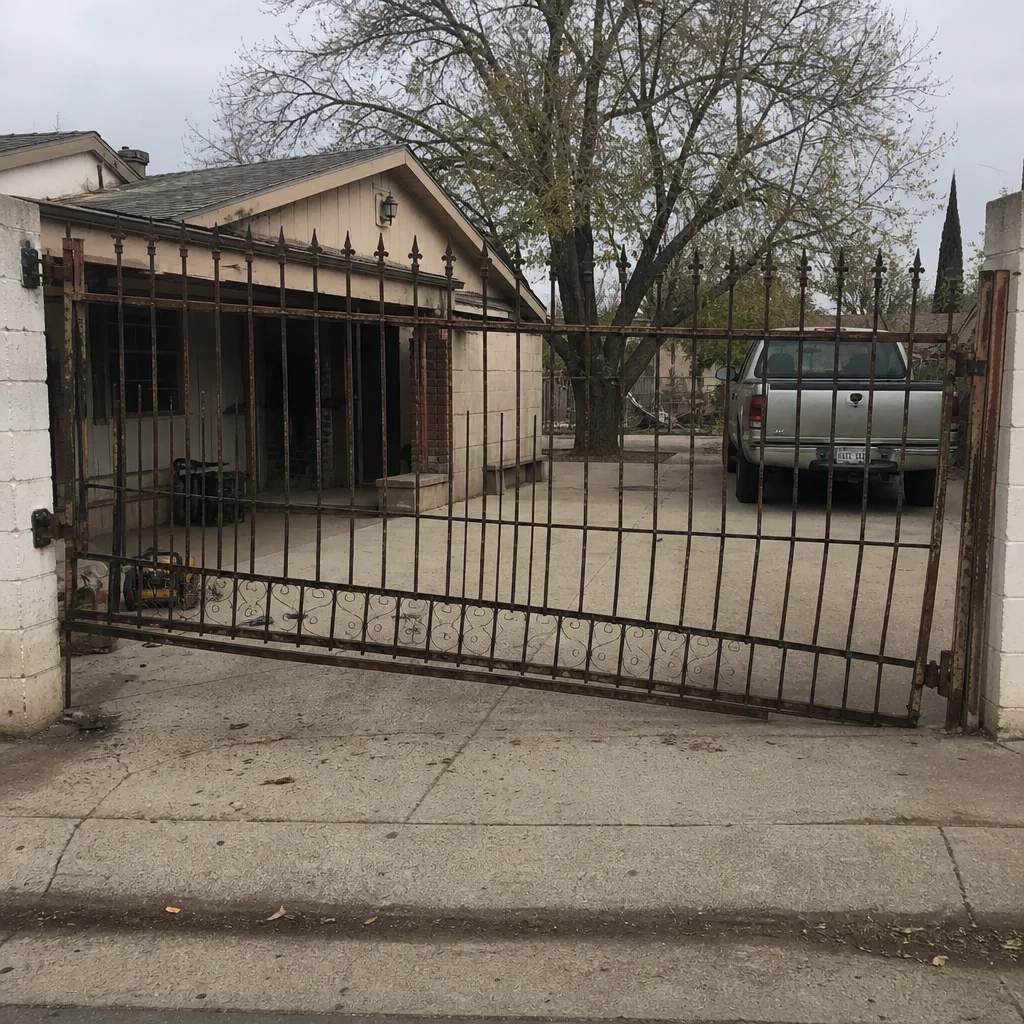 Before
 After
 Before
 After
 Before
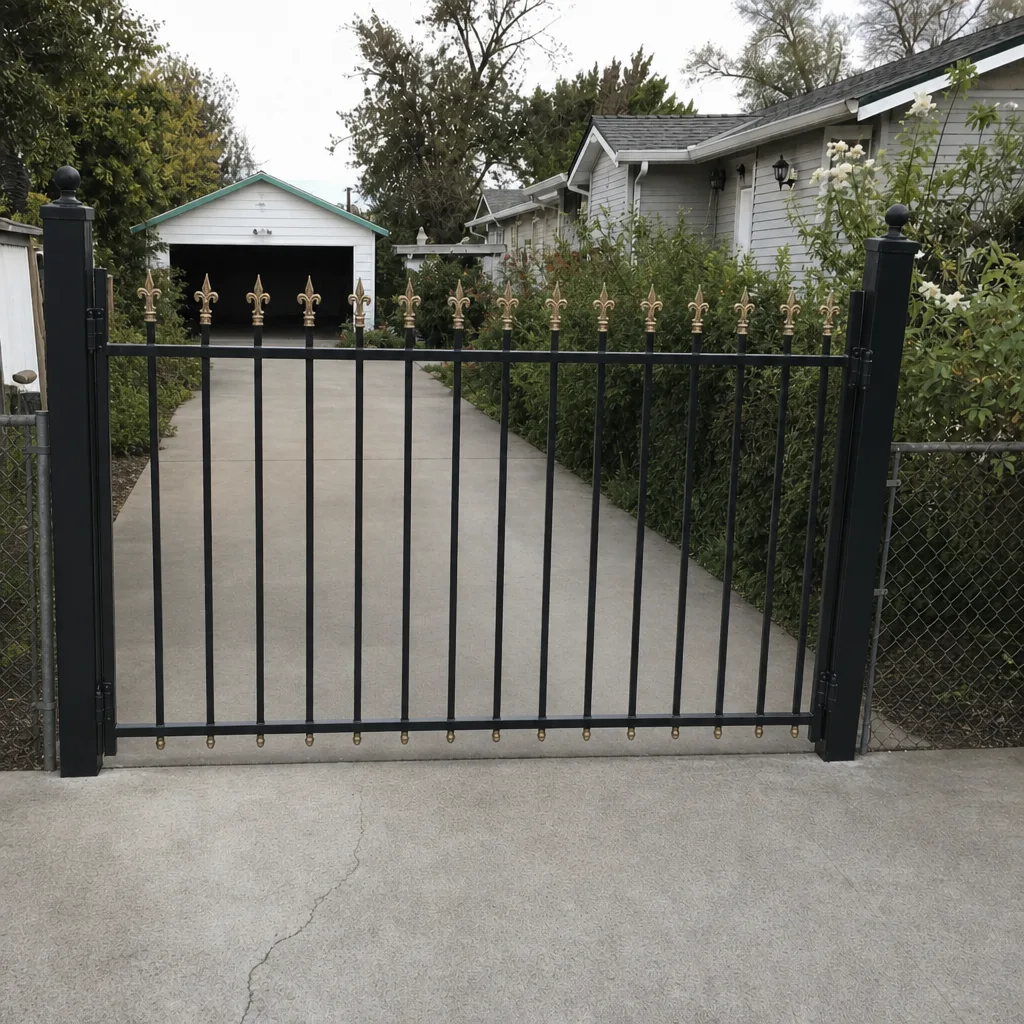 After